

Review: United Airlines Boeing 737 Starlink Wi-Fi
Amazingly fast and completely free: this is how inflight Wi-Fi should be.
By David Flynn, March 30 2026
It’s a pretty good stress test for inflight Wi-Fi: take one Boeing 737, add more than a hundred journalists and bloggers armed with several devices each, and let them loose during a two-hour flight.
Downloading, uploading, video calls, streaming content, online gaming, connecting to digital systems in their homes on the other side of the world... pretty much anything you’d do on a wired broadband or 5G mobile connection, except it’s all happening at 30,000 feet.
I’m on a special United Airlines flight to showcase Starlink Wi-Fi, which is now being rolled out across the carrier’s domestic fleet – with international Boeing 777 and 787 jets soon to follow.
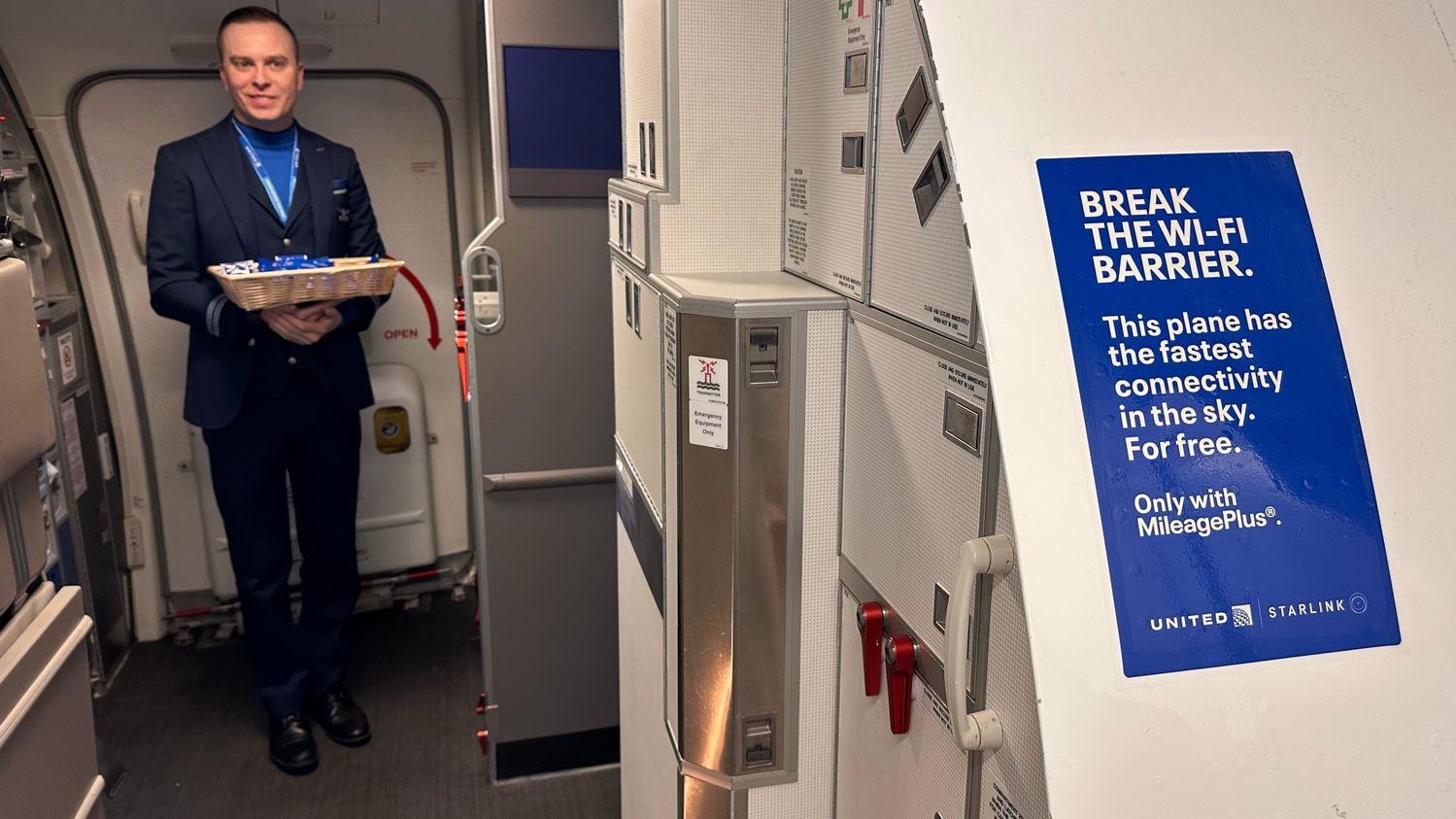
Stepping on board United's special 737 media flight to showcase Starlink Wi-Fi.
And despite a digital hammering as this Boeing 737 flew a long loop between Los Angeles and San Francisco, Starlink didn’t miss a beat.
With Starlink technology offering gate-to-gate connectivity, there’s no need to wait until the plane reaches cruising altitude – and even before this United flight pushed back from the gate, we were clocking download speeds of 165–210Mbps, with uploads at a more modest 25–40Mbps.
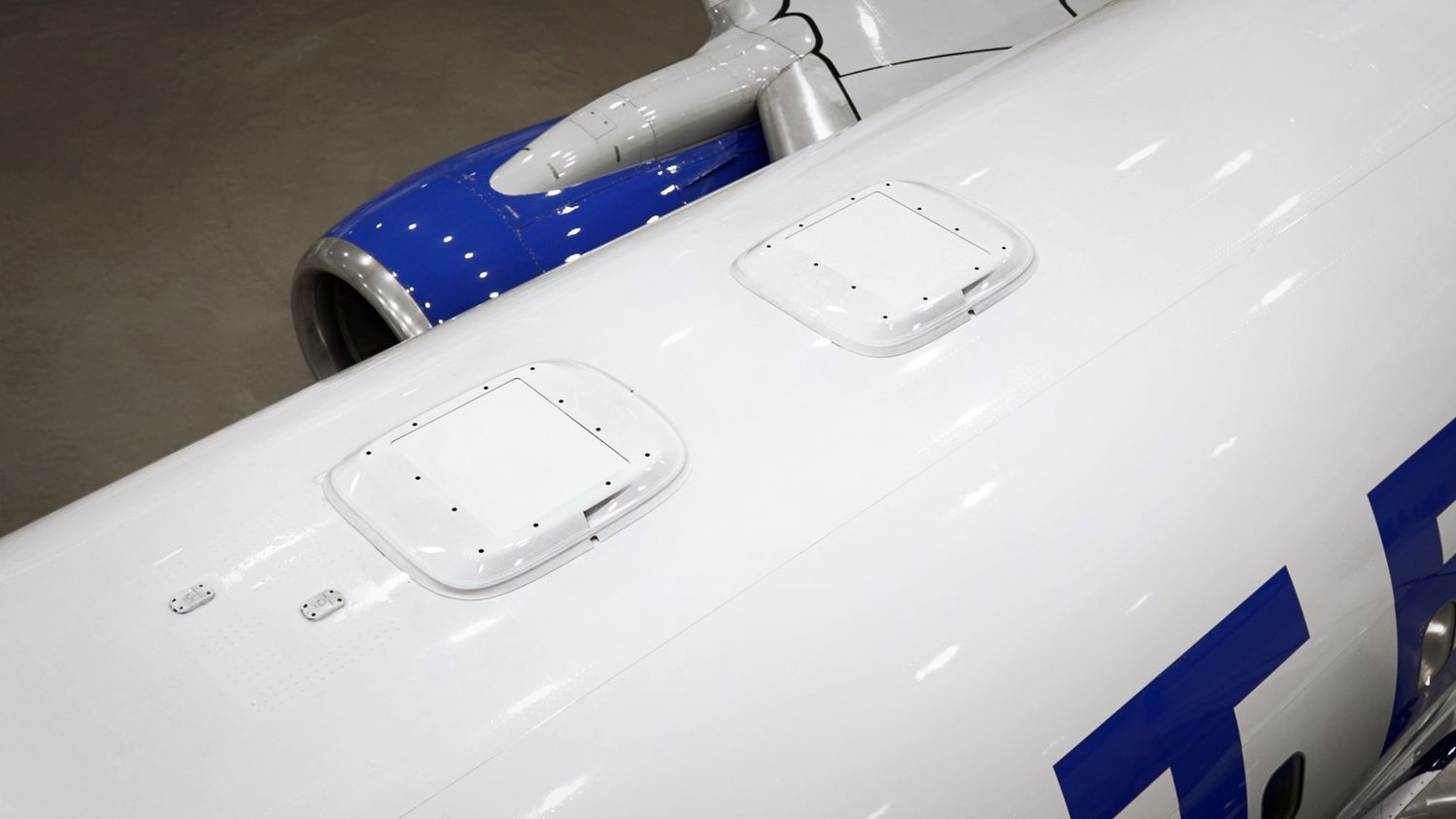
These tell-tale antenna humps are rapidly appearing across United's domestic fleet.
Shortly after take-off, everyone on this demonstration flight really got their broadband groove on, and threw pretty much everything they had at the Starlink-powered Wi-Fi.
For brief periods, this pushed the download rate down to around 50Mbps – which is still much faster than any other inflight Internet system – and across the flight, speeds comfortably averaged around 150Mbps, quicker than most home broadband connections.
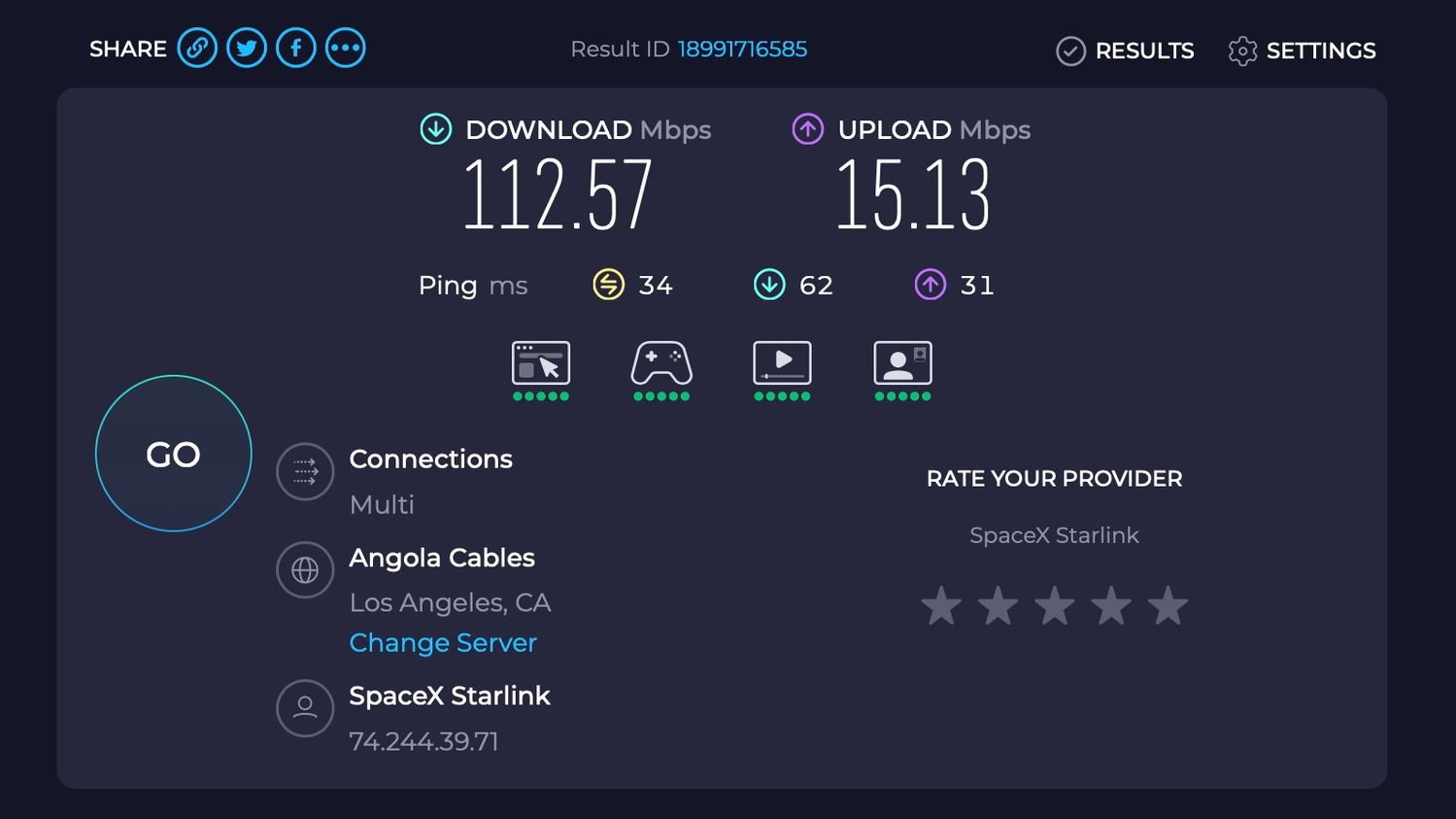
A random SpeedTest result during United's Starlink flight, and this was actually below the average result.
It no longer mattered that I was sitting in a metal tube soaring above the clouds at over 700km/h, with my MacBook Air perched on the tray table and a snack pack of United’s stroopwafels, pretzels and chocolate quinoa crisps on the table next to me.
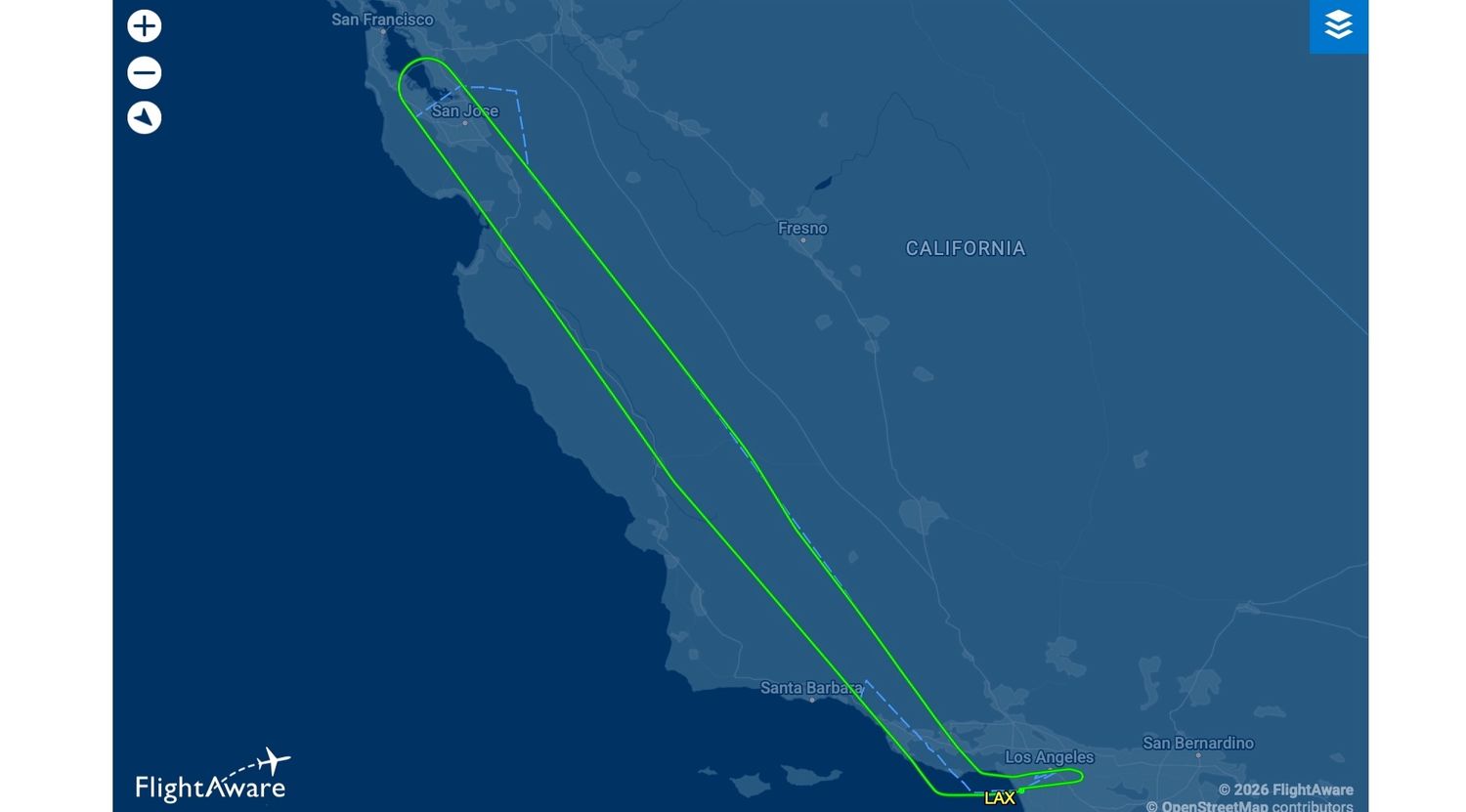
This two-hour 'flight to nowhere' gave plenty of time for a Starlink stress-test.
And past a certain point, the actual speed stops mattering.
I can file and publish an article live from the flight. I can download and upload a multi-gigabyte file collection in the background.
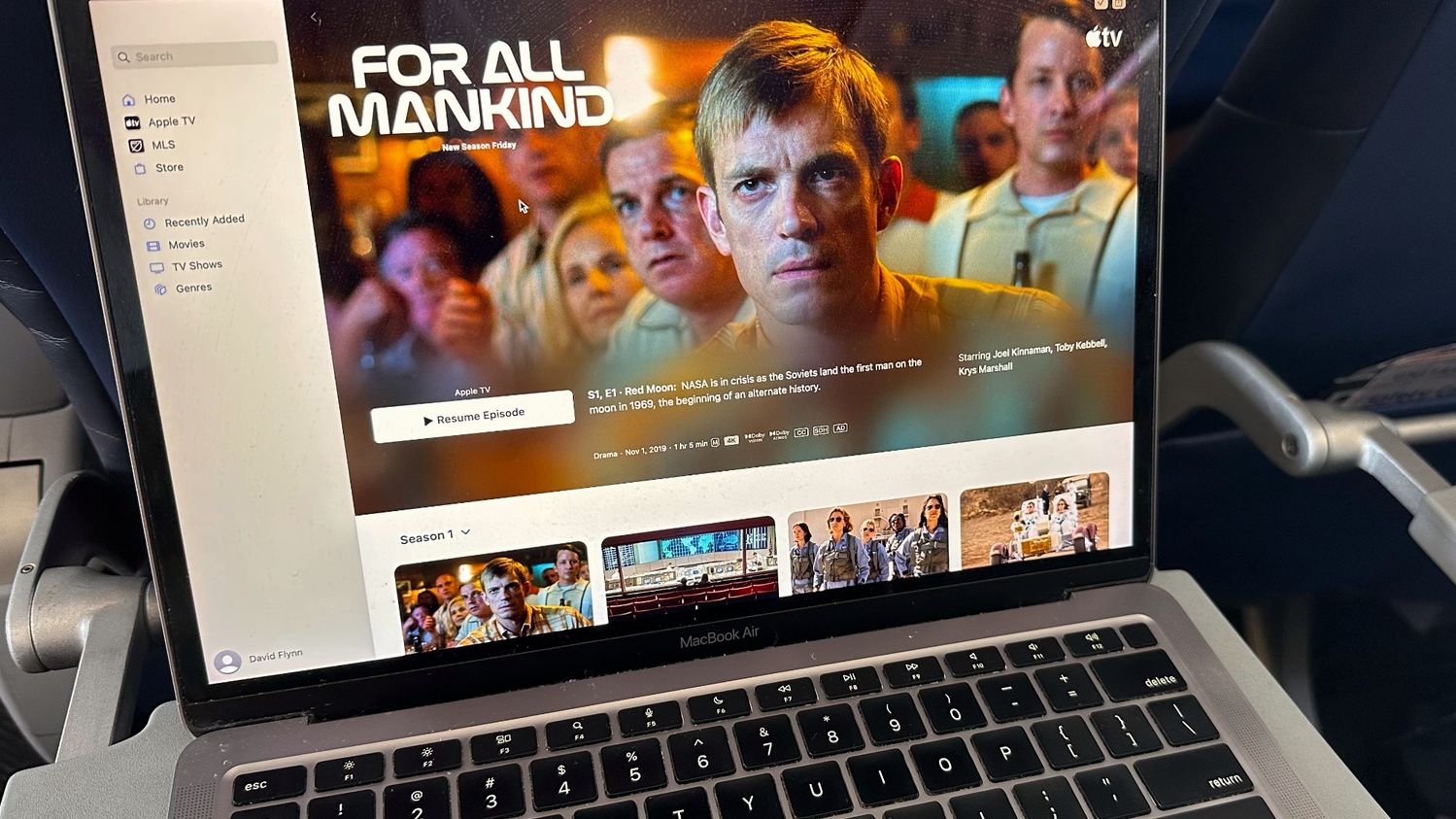
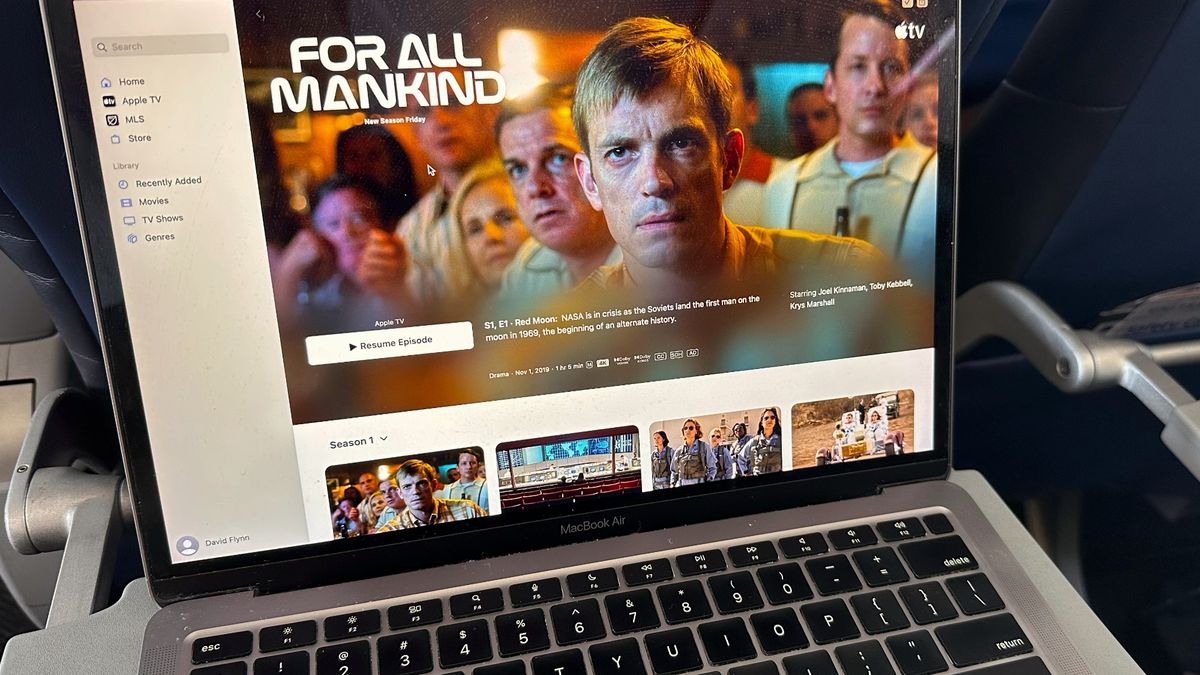
Recommended viewing: Apple TV's 'For All Mankind'.
I can stream a TV show in HD quality without buffering, message my girlfriend and change the colour of the Philips Hue lights in my apartment some 12,000km away in Sydney.
And here’s the kicker: I can do all that for free, just like any passenger on United’s Starlink-equipped fleet who is a member of the airline’s MileagePlus rewards program (which is also free to join).
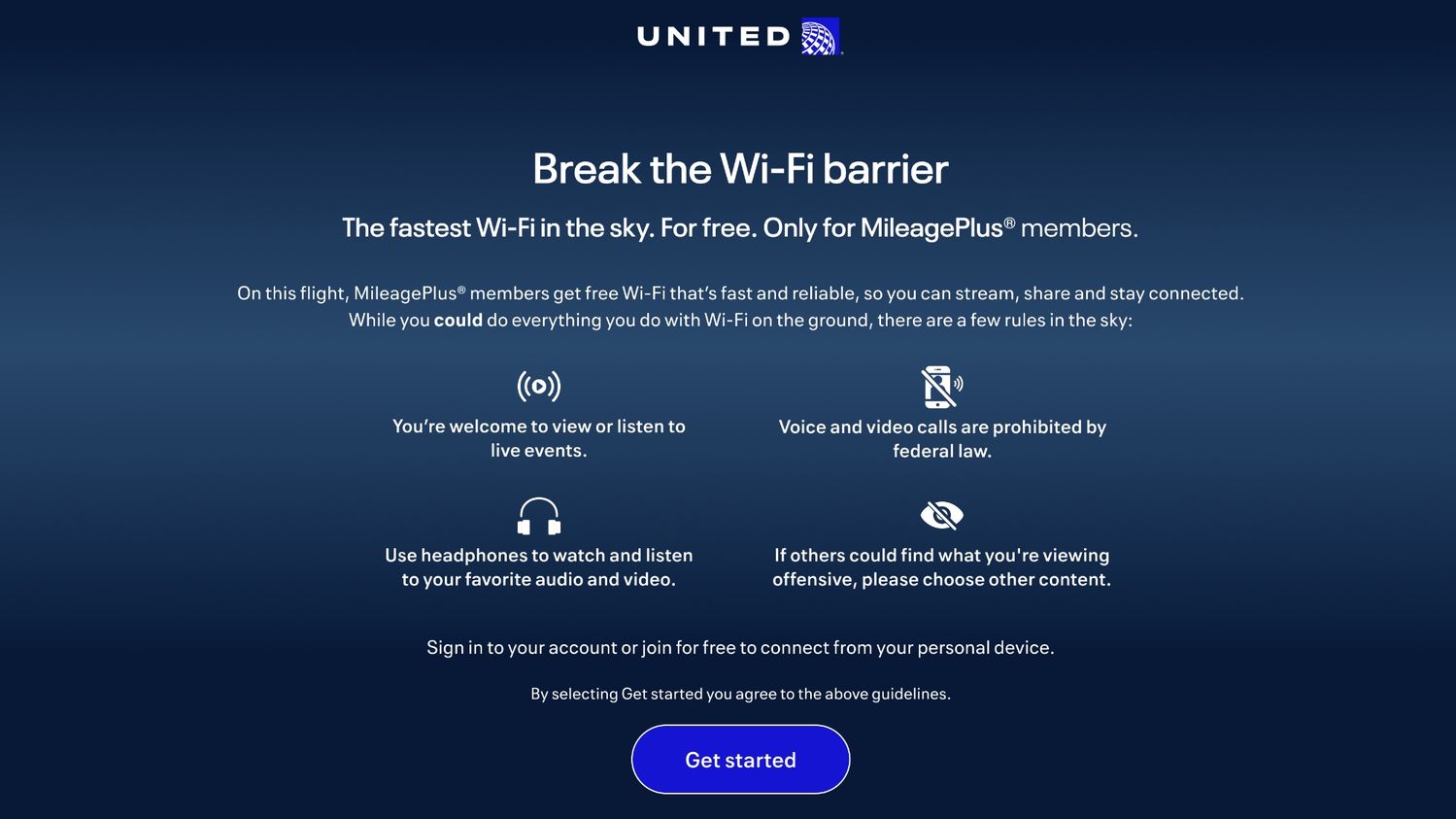
Starlink is free for United MileagePlus members (and yes, video-calls are banned, as is blasting music or video without headphones).
Something else which stood out: while many airlines allow you to have only one device connected at a time – forcing you to switch between laptop, smartphone and tablet for example – United’s doesn’t care how much kit you connect.
In fact, it’s delightfully easy. When logged onto the United hotspot with my iPhone, I used a QR code to seamlessly go online with my laptop.
United’s Starlink Wi-Fi rollout
As this demonstration flight made its way back to LAX, United’s Chief Customer Officer David Kinzelman gave me an update on the rollout of this amazing tech.
Starlink is already available on “about 25% of all of United’s departures with the fleet today,” Kinzelman shares.
“We’ve completed our entire regional fleet now, which is over 320 airplanes, and we’ve started on the narrow-bodies.”

United says its entire fleet will boast free super-fast Starlink Wi-Fi by the end of 2027.
The Boeing 737-900 we’re on is “aircraft number 17 of the 500 or so that we anticipate doing this year. We’re essentially rolling out one a day.”
In the coming months, the Starlink upgrade program will be extended to the Boeing 777 and 787s.
“By the end of this year, we’ll have about 800 planes done of the entire fleet – that’s 50% of the mainline – and then by the end of next year, we’ll be 100% done.”
Also read: United Airlines brings Starlink to Boeing 777, 787 flights
David Flynn travelled to Los Angeles as a guest of United Airlines.

Virgin Australia - Velocity Rewards
10 Nov 2011
Total posts 136
I tried Starlink on a recent flight on Air France and it was fantastic. My only concern is that I don't want to listen to someone's teams meeting on a long haul flight!
07 May 2015
Total posts 75
That's why United thankfully bans video calls, and also using audio and video on speaker instead of with headphones. I wish all Starlink airlines did this, it's SO annoying to have so many passengers doing FaceTime calls!
Hi Guest, join in the discussion on Review: United Airlines Boeing 737 Starlink Wi-Fi