

How to use your AirTags to find lost Qantas luggage
Get your bags back faster with this hidden Qantas feature that shares your AirTag location directly with the airline.
By David Flynn, November 24 2025
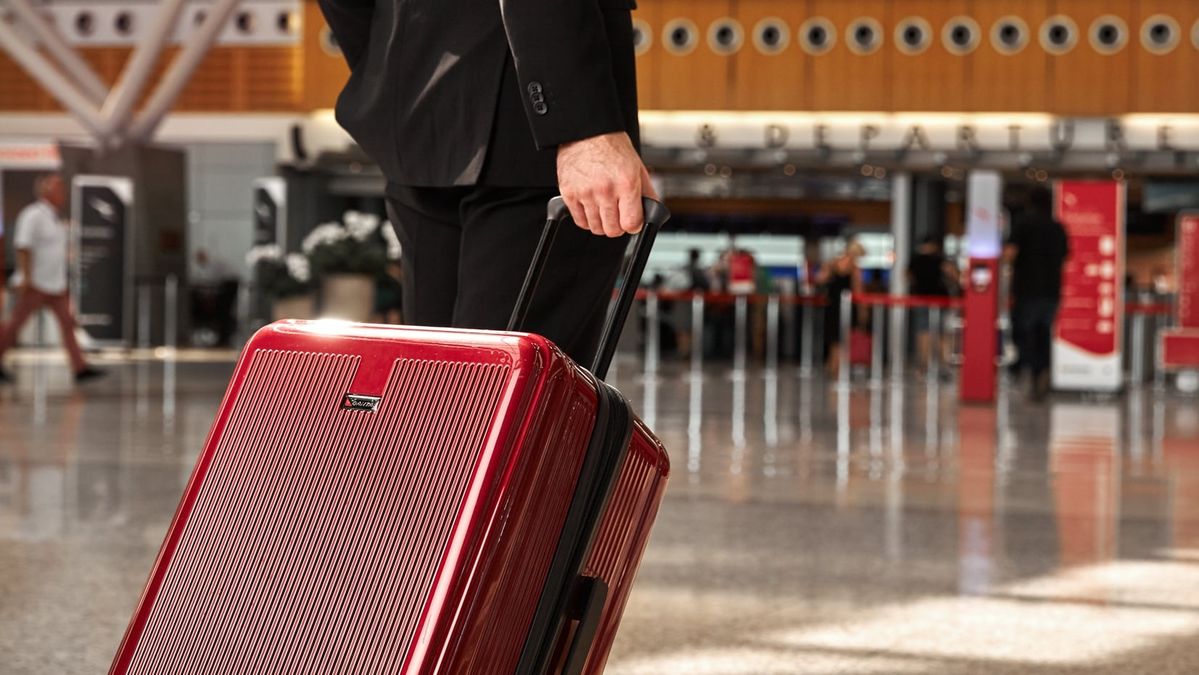
For years, the defining frustration of modern travel has been the AirTag Standoff.
You could be standing at a baggage counter in London or Los Angeles, but your iPhone shows that your AirTagged luggage is sitting on a tarmac in Singapore or Sydney.
Yet airline staff are unable to do much about it, as their legacy tracking system shows no record of where the bag is.
Until recently, there was no way to bridge that gap.
That’s finally changed, as airlines begin to embrace the power of the AirTag.

Apple's Find My network can be used to help Qantas find your missing bag.
Hidden within the Qantas baggage system is a new integration with Apple’s Share Item Location feature through the Find My app.
This allows you to generate a secure, live-tracking link which can be injected directly into the airline's lost baggage platform.
Qantas doesn’t promote this, and it’s not accessible from the Qantas app or your booking screen. It’s available only after things have gone wrong.
Here’s a step-by-step guide to sharing your AirTag location with Qantas to find your lost luggage.

Before each trip, pop an AirTag or similar 'smart tag' tracker into your checked luggage.
Sharing your AirTag with Qantas
Tech-savvy flyers may assume they can pre-load their AirTags into the Qantas app before takeoff. Sadly, that’s not a thing (well, not yet).
Qantas has designed this system specifically for luggage recovery, instead of general tracking.
The option to share your AirTag’s location only becomes visible once you have formally lodged a delayed or missing bag report.

Apple AirTags have quickly become a traveller's best friend.
So, step 1 is to lodge the report if your bag doesn't appear on the carousel. This can be done in the Qantas app or at the airport’s service desk.
The completed report will give you a 10-character reference number, which is your key to accessing the tracking portal.
Step 2: generate a link to your Apple AirTag.
While the airline processes your report, open the Find My app on your iPhone.
At the bottom of the screen, tap Items and select your missing bag.

In the Find My app, tap your way through to the Lost AirTag option.
Pull the screen up to show the Lost AirTag option, then tap Share Item Location.
Tap Continue to confirm, and on the next screen you’ll see a Location Link (beginning with http://find.apple.com/item...).
Tap the box containing the link (or the pages icon to the right of that field) to copy the link.

This is the key to sharing your an AirTag's Location Link with Qantas.
(The Share Link button beneath this box lets you share the link with anyone else via Messages, WhatsApp, Mail etc.)
This Location Link is temporary: it allows the airline to see your bag’s location on a map for up to seven days, although it expires automatically once you are reunited with your luggage.
Step 3: head to Qantas’ Delayed Baggage Portal and log in with your 10-character reference number and last name.

Log into Qantas’ Delayed Baggage Portal to share your AirTag Location link with the baggage tracking team.
Look for the button labelled Find My Item Location (this often only appears after you click Manage My Report) and paste in the Apple link you generated earlier.
This sends your AirTag’s live location directly to the baggage tracing teams at both your arrival airport and the bag’s last known location.
Instead of searching a massive warehouse, the baggage recovery team can now see a pinpoint map location.

The location of AirTags can be shown in real-time on an interactive map.
Tip: this also works with other luggage tracking ‘smart tags’ provided they are listed as Works with Apple Find My.
There are dozens of AirTag alternatives, all more affordable than the original, and in a wide variety of sizes and shapes – the main difference is that they lack the close-range Precision Finding feature which shows your AirTag on the iPhone screen with a direction arrow and an estimate of distance.
If your third-party tracker is visible in the Items tab of your iPhone’s Find My app, you can generate the link and share it with Qantas just as you would with an official Apple AirTag.
Also read: How to claim your free Qantas luggage tag

29 Jan 2012
Total posts 221
So Qantas is now putting the onus of responsibility of the luggage they receive and are entrusted with at check in, then when misplaced (Lost), then put it back onto the passenger to find. Great. What is next in Qantas's arsenal of upcoming changes for the passenger.
Qantas has already faced a major hack allowing the distribution of their customers private details out into the world, once again due to inefficiency. Time to own responsibility of their operational short comings and solve the issues directly and professionally.
20 Nov 2015
Total posts 607
Nonsense. Qantas is not putting the responsibilty on the passenger, it's just making the same move as many other airlines in using AirTags to help locate lost or 'misplaced' luggage. Totally sensible move. If I put an AirTag in my bag then why not let an airline make use of that to help locate my luggage more quickly? This really is the sort of anti-QF crap that so many people fall back on without even thinking, because anything they an use to criticize QF is fair game.
Hi Guest, join in the discussion on How to use your AirTags to find lost Qantas luggage